tr_init: recalibrate the default tone mapper preset #1884
Conversation


- Restore most of the range of the high lights.

When the previous preset was calibrated, the engine was missing
the single-bit clamping (it was a bug). Now that the single-bit
clamping is restored in lightmap input, the high light range is
caped twice. This restores most of of the range of high
lights on the tone mapper side.

|
Here are some close-up, with both the historical pipeline and the linear pipeline. We notice that with the recalibrated tone mapper preset, the dark now goes dark less quickly, and we now have much more details in the high lights. Historical pipeline: Scene:
Scene:
Linear pipeline: Scene:
Scene:
|
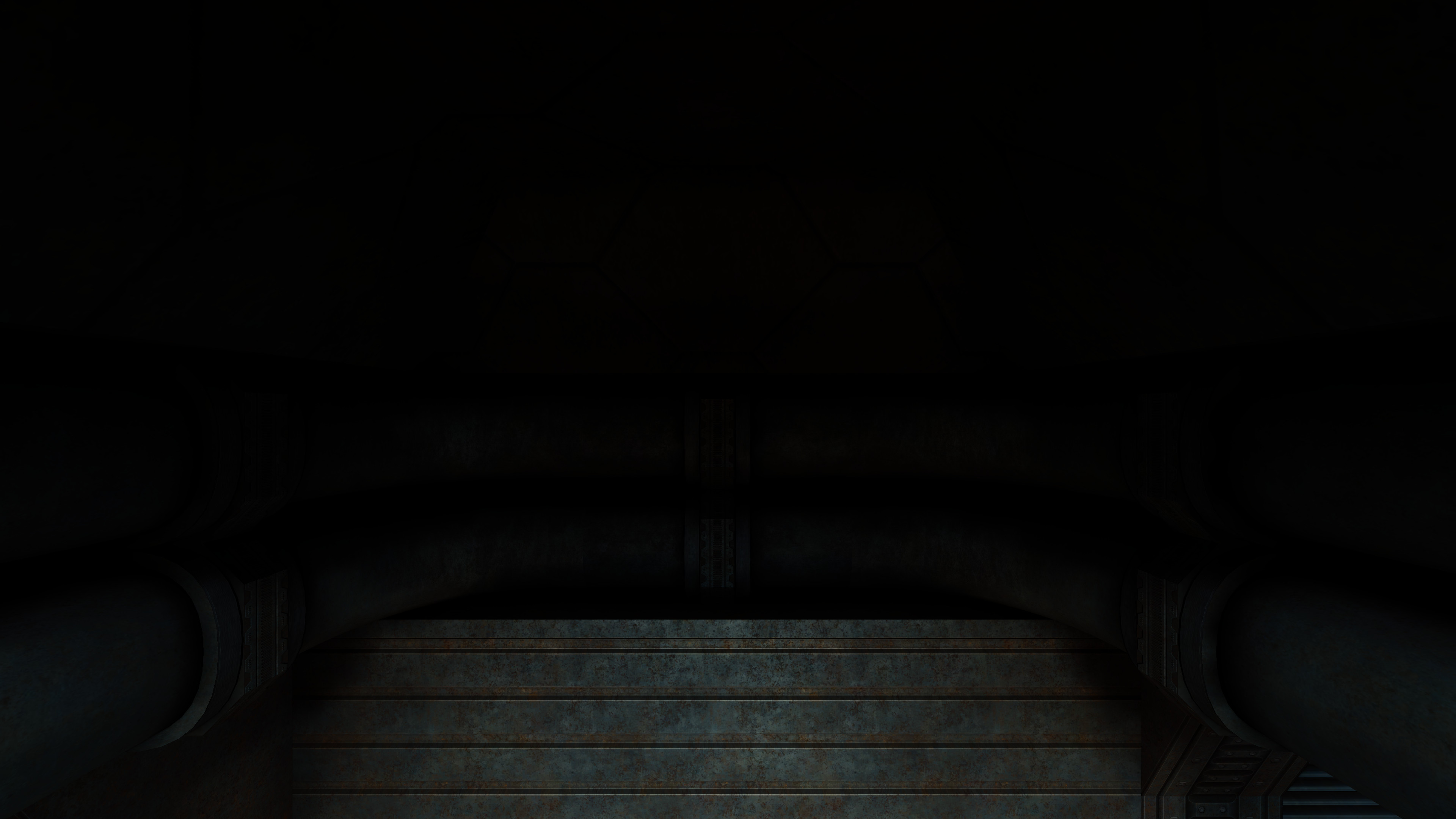
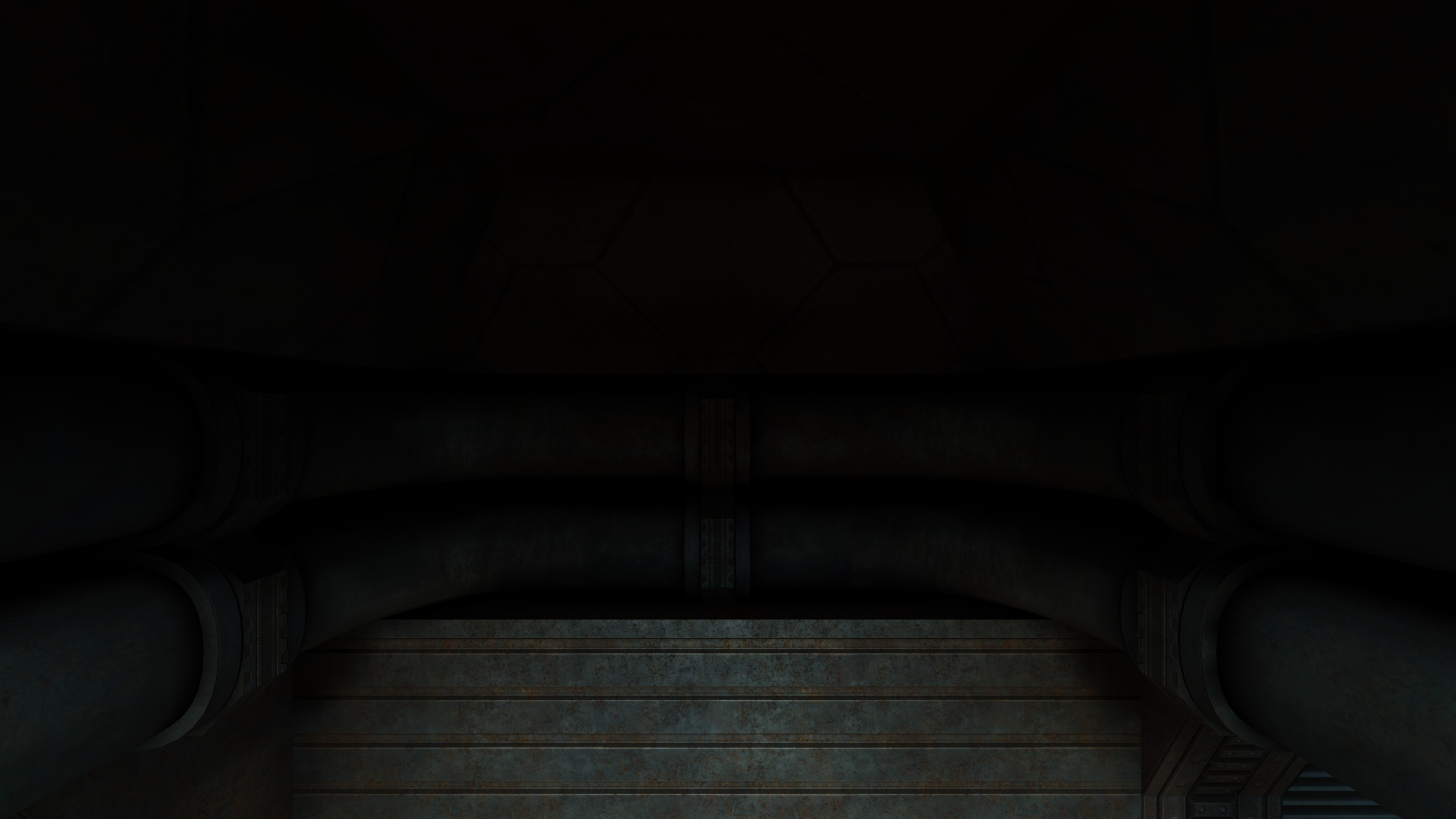


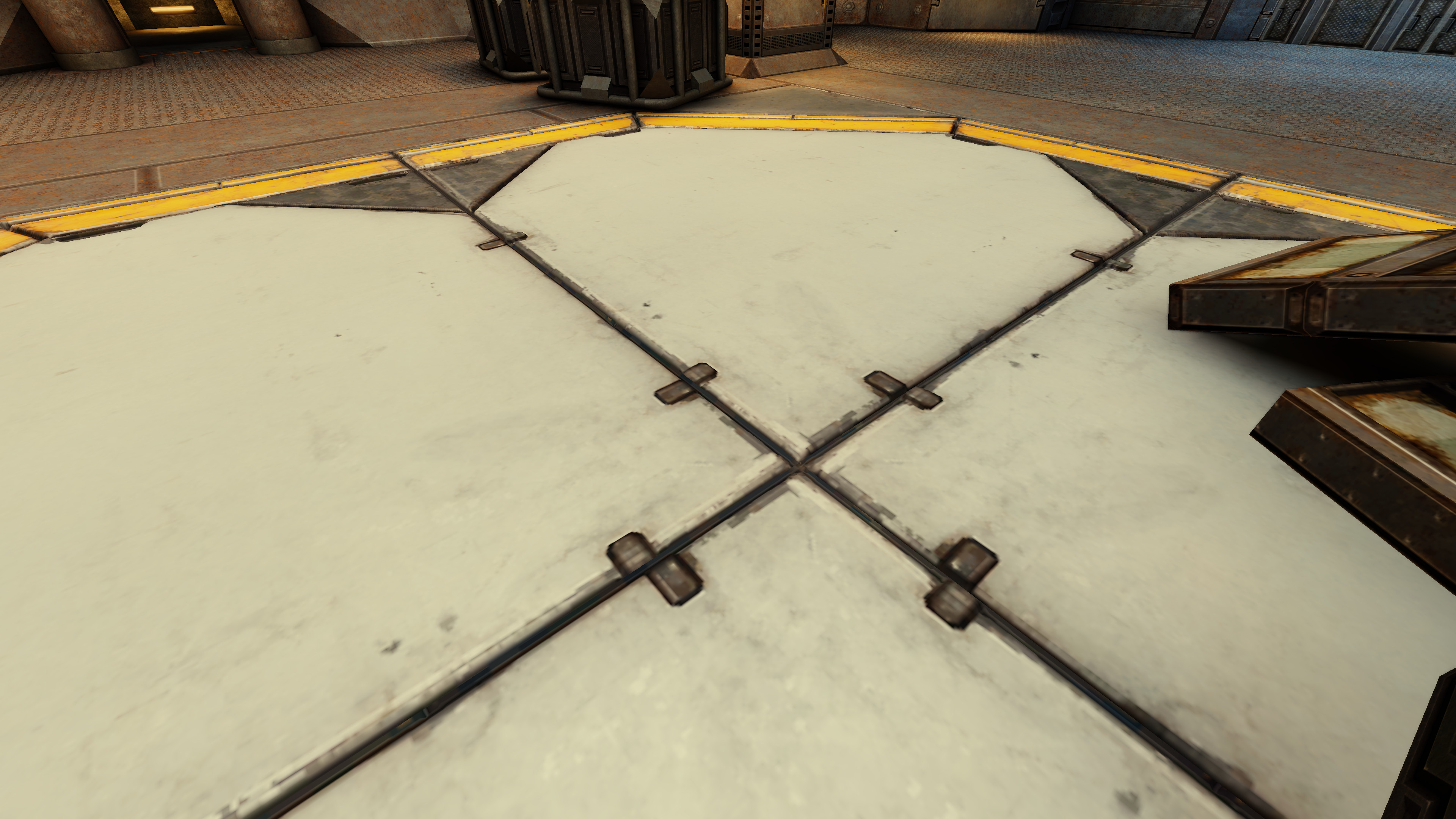
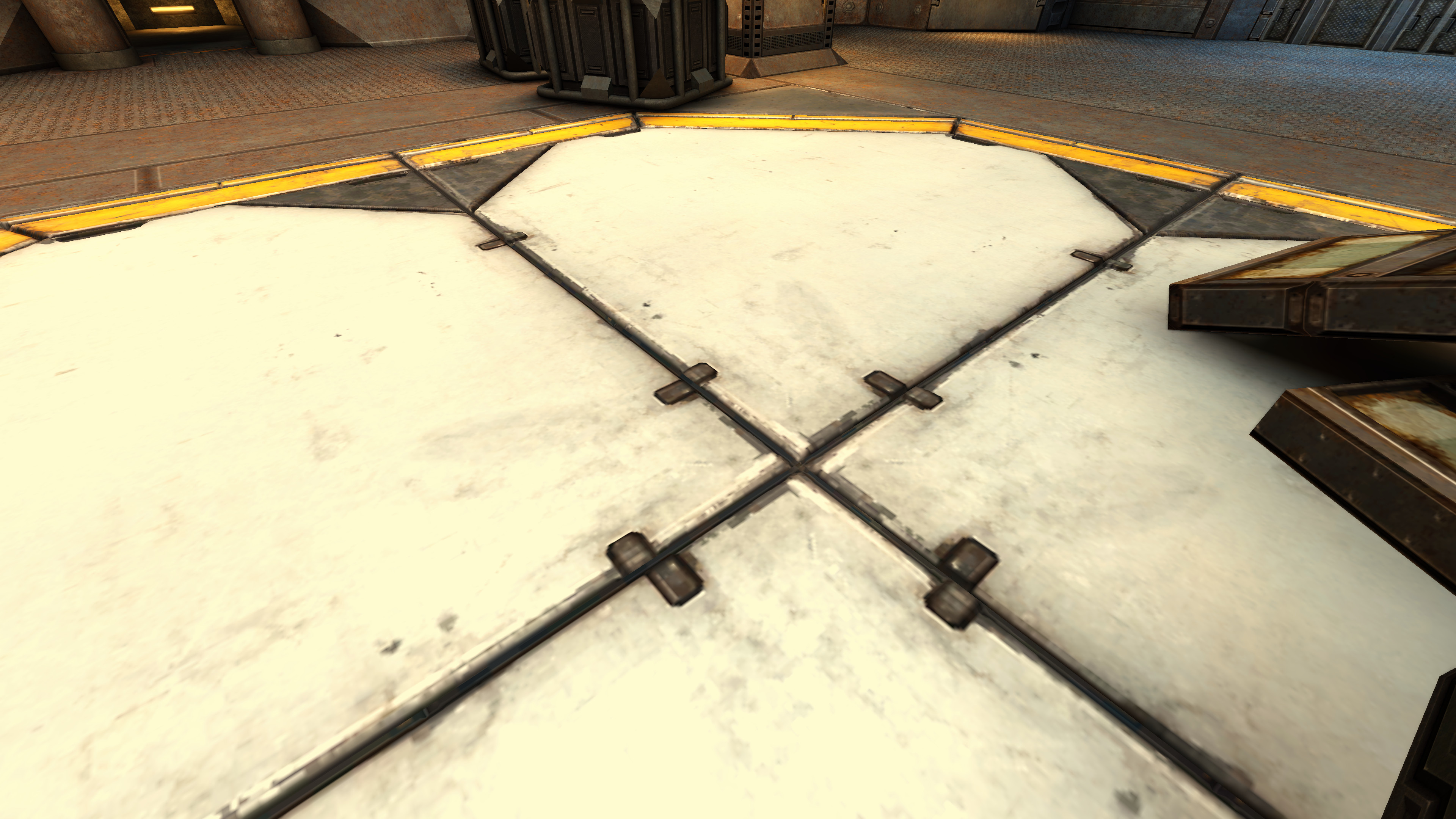
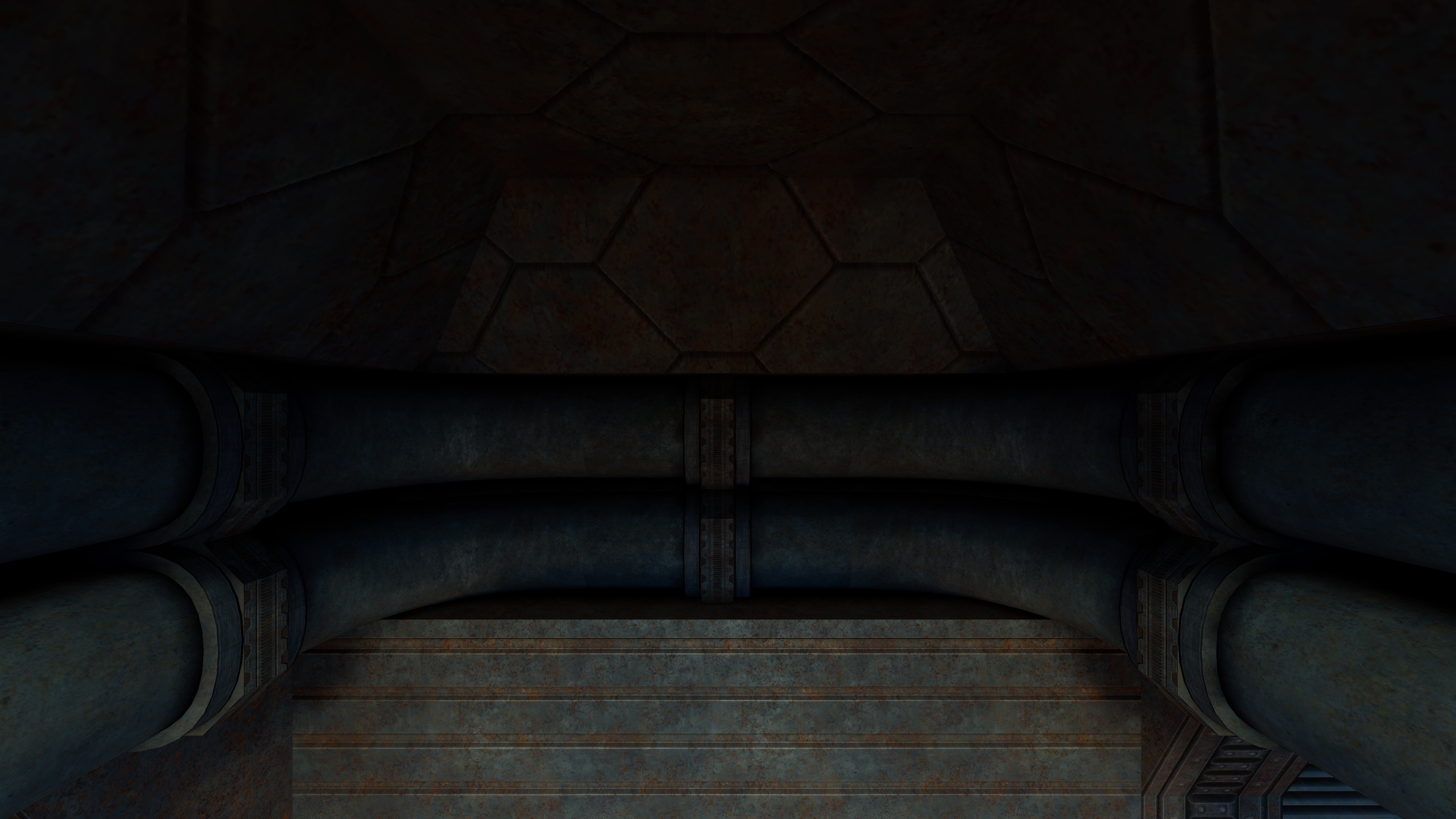
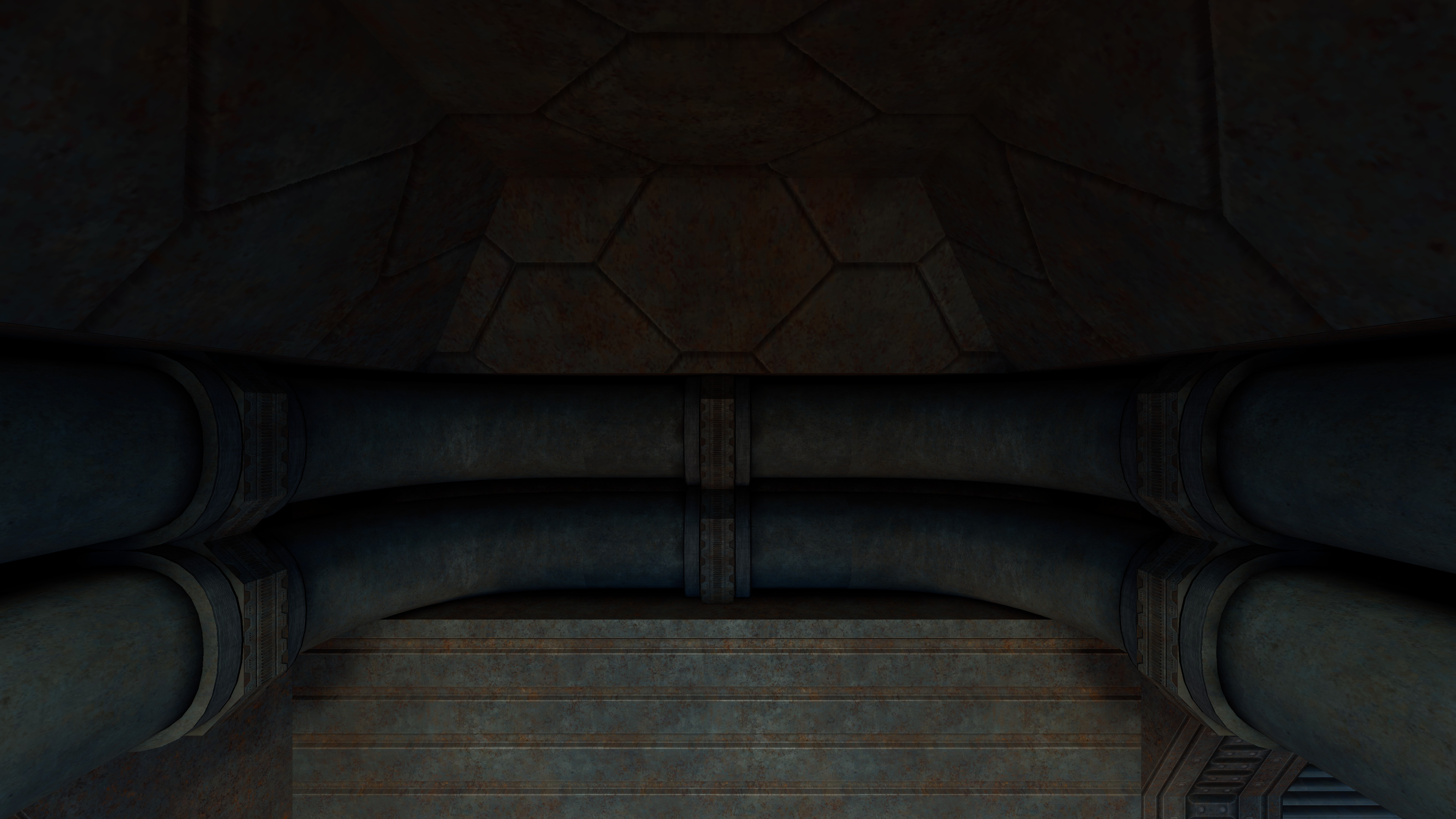


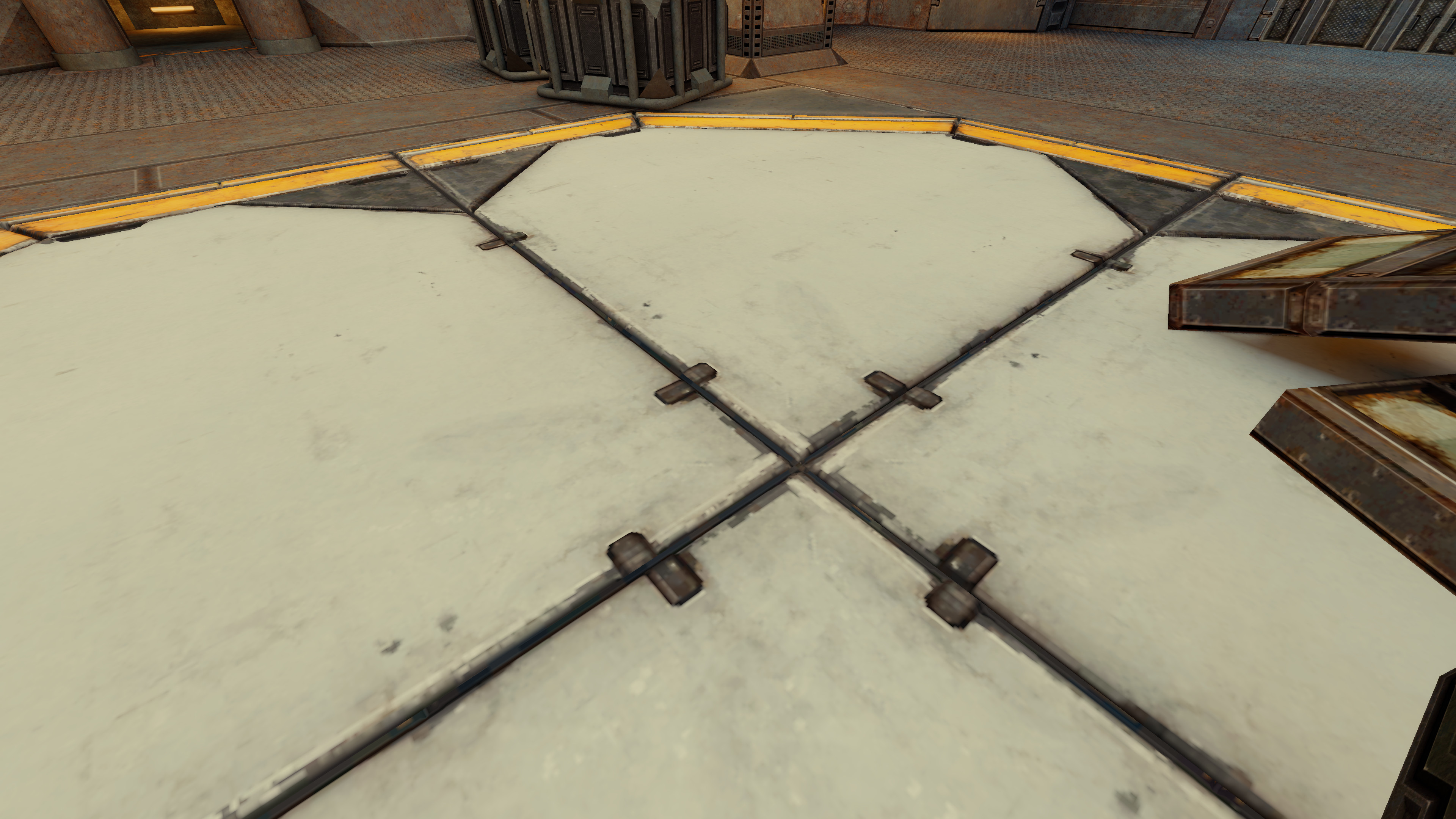
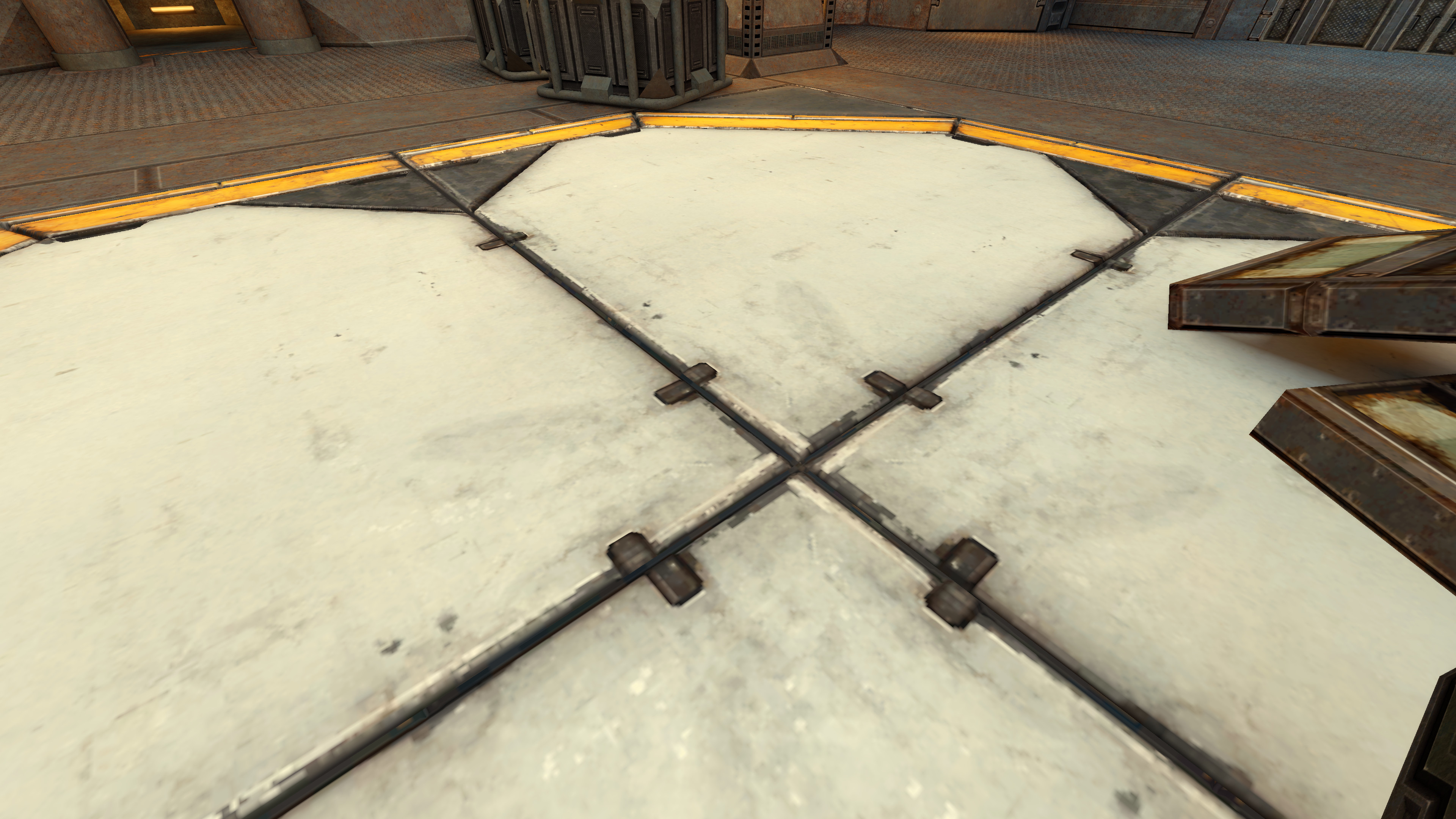


|
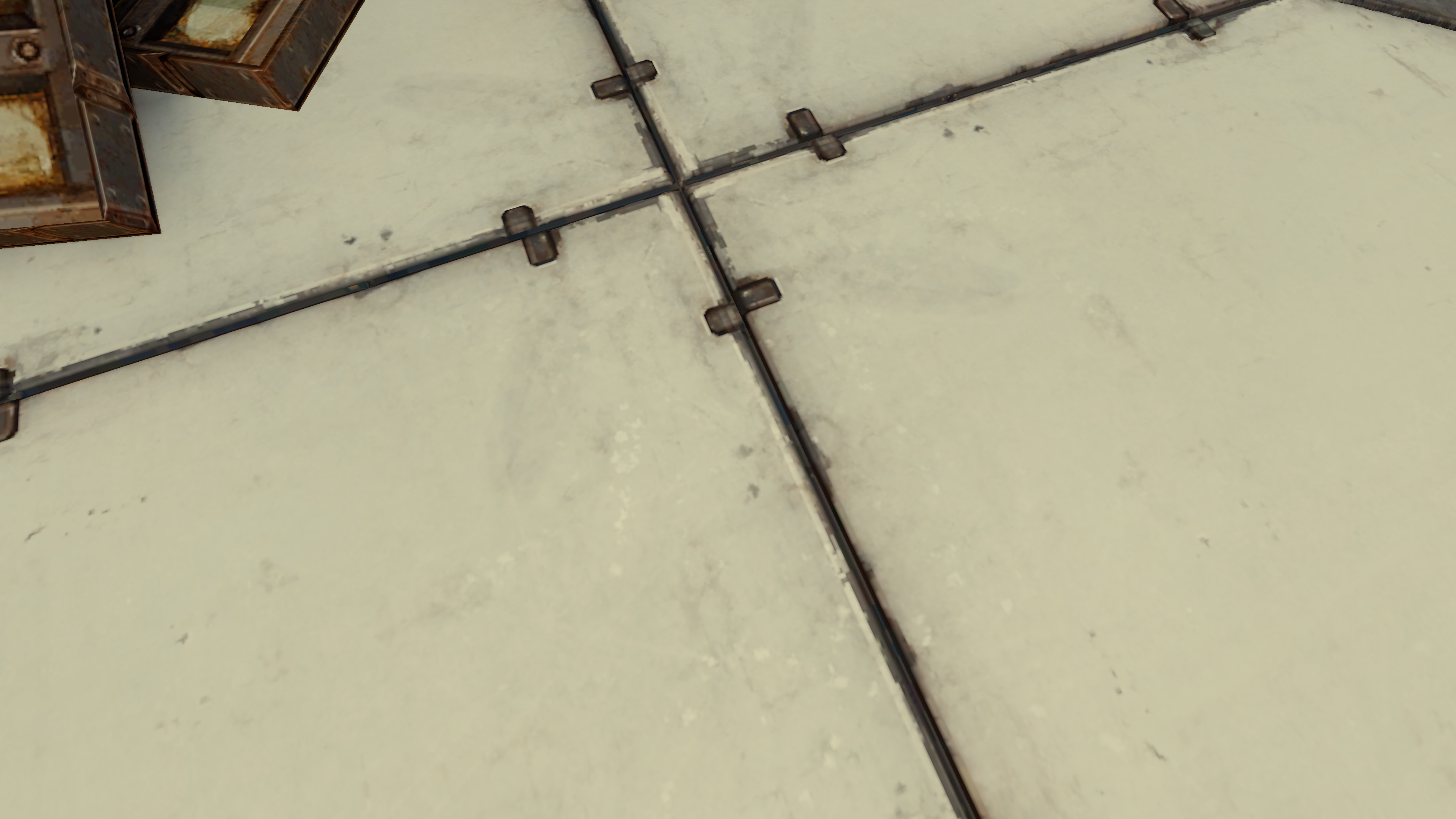
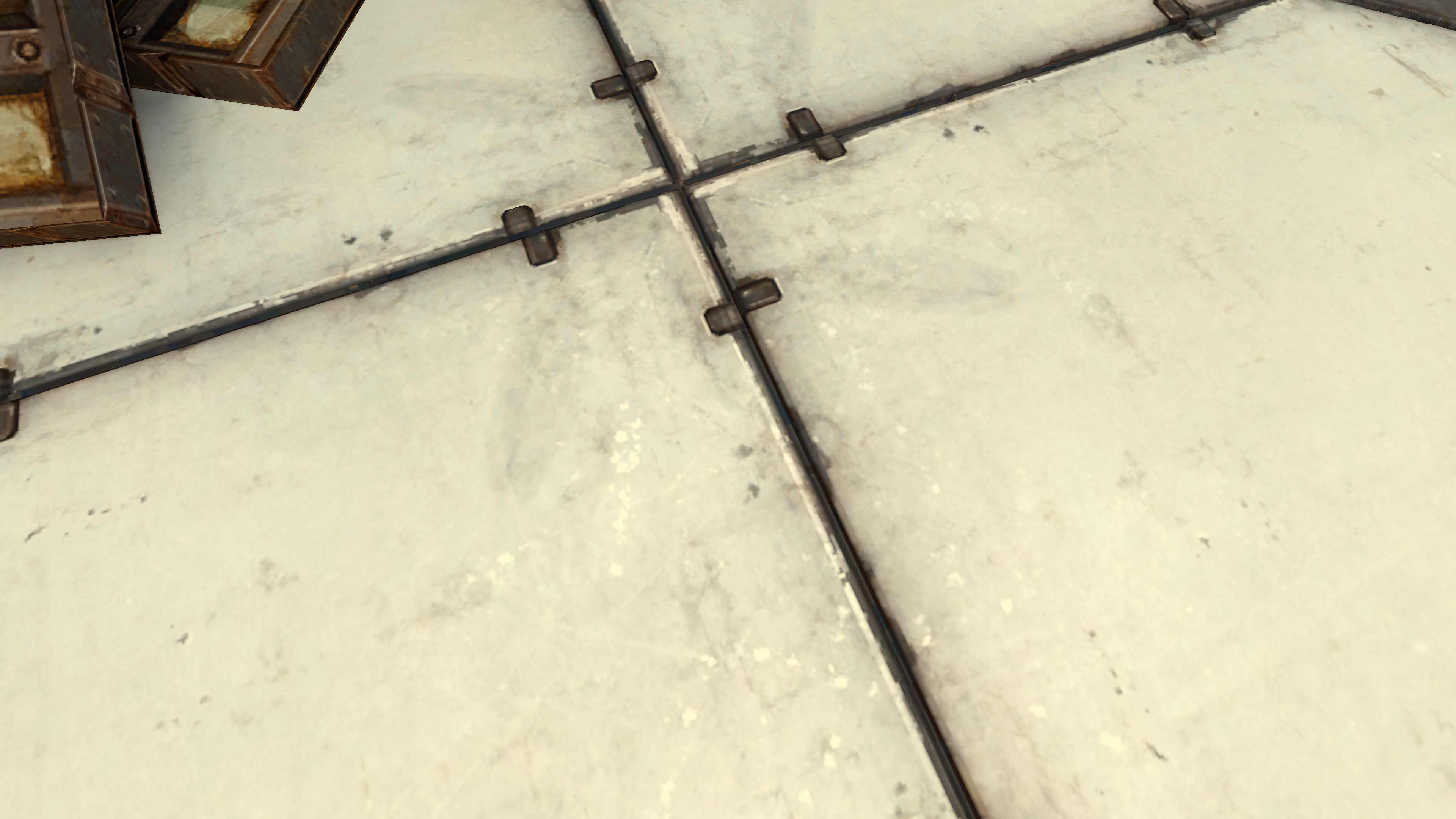
That recalibrated preset also restores some specularity reflections. Scene:
See on the bottom half of the image, on both sides of the dark groove. |


 illwieckz
force-pushed
the
illwieckz/tonemapper-preset
branch
from
illwieckz
force-pushed
the
illwieckz/tonemapper-preset
branch
from
76829f0 to
0582877
Compare
|
I do remembered that the current tone mapper preset was used to workaround the bloom being too strong when the single-bit clamping was missing, but that bug is fixed so we don't need anymore to use the tone mapper preset as a workaround for that bloom. So we don't need to cap that much the high lights with the tone mapper. Having an HDR Max higher than Speaking about bloom. We inherited the default bloom strength from the implementation maybe decades ago and never questioned it, so it's time to adjust it and do some visual direction on that as well. I'm currently testing of a bunch of screens. I tested so far:
I may test more screens in the future but this selection is already providing a nice diversity. Out of those four screens, the Steam deck screen is the only one where the white central tiles of the parpax map don't look gray with HDRMax value of 6. Having a screen that doesn't render such white tiles as grey with HDRMax 8 looks to be the exception. With HDRMax 1.2, they all look closer to what we should expect from the texture, including the Steam deck screen. I'm discussing the color of the rendered texture here, not feeling. About the Contrast option, I noticed the render feels more pleasant with the current value of The fact the dark areas go dark faster can be contradictory with the need to have maps not being too dark, but the pleasantness of it can win over that concern, and that's the value that was already tested and was not applied on bugs when it was configured, so that looks good. Let's keep it unless we find a subtle improvement to be done. I used the opportunity I'm doing that heavy testing for testing bloom strenght values to make it more subtle, as its strength is the common complain about it and what makes bloom hard to combine with other features. I found that I'll do more testing and possibly with other screens, maybe adding some TV and other laptops to the bench, but that starts to be great. I'll redo some screenshots at some point. |
|
The reason why HDR Max 8 is good enough on the Steam Deck screen unlike other screens I tested is because that screen is very bright and then that somewhat tricks the eye to see the grey as white. We cannot expect all players to have such bright screen. |

|
In the Parpax floor example I can appreciate that there is more detail in the dirty/scuffed-looking parts with the provided screenshots. Though the yellow border seems kinda over-saturated. Something we lose with the reduced HDR max parameter is the ability to mitigate severe saturation on certain maps such as Vega and Watah. Probably some of these maps were designed for "fully clamped" overbright, i.e. On master: With HDR bright point 1.2 as in the current version of the PR: This scene from Watah already looks washed out on master but is worse with decreased HDR bright point. Other examples are Watah |


|
Maybe something around 2 would be a good choice for the bright point since that's the most you can get with a vanilla Q3 material (lightmap + diffuse). Values brighter than 2 can only be achieved with more complex blending or dynamic lights. Can't remember whether materials like specular maps can increase it also, or if that stuff is all clamped to [0, 1]. |


When the previous preset was calibrated, the engine was missing the single-bit clamping (it was a bug). Now that the single-bit clamping is restored in lightmap input, the high light range is caped twice. This restores most of of the range of high lights on the tone mapper side.
Also we don't need anymore to use the tone mapper to workaround the bloom that was too strong when the single-but clamping was missing, since that single-bit clamping is there.
We inherited the default bloom strength from the implementation maybe decades ago and never questioned it, so it's time to adjust it and do some visual direction on that as well.
(old screenshots)
Here are some examples with a map not using the linear pipeline:
This new preset has been calibrated using both the historical pipeline and the linear pipeline.
This new preset is usable with both pipelines, which was not true with the current pipeline. This allows us to start delivering maps made for the linear pipeline while keeping the ability for users to enable the tone mapper.
It's possible that such default tone mapper preset have to be recalibrated later when dynamic exposure will be merged, but for now that one fits the need.